

Hey savvy marketers and business owners! If you want to stay ahead in today’s fast-moving digital world, there’s a tool you need to know about: Meta Business Suite. Also called business suite, meta for business, or business meta suite, this platform is quietly changing the way brands manage social media and advertising. Whether you’re just starting out or already managing a growing brand, this free tool brings everything together, from messaging and posting to running ads and tracking results.
And here’s the best part: it works for big companies and entrepreneurs alike. If you’ve been using Google Ads for small businesses and want to get even more from your marketing efforts, this could be your secret weapon.
In this post, we’ll guide you through setting up your Meta Business Account, show you the powerful features packed inside, and explain how to combine this tool with FB Manager Ads and Google Ads for small businesses.
Plus, if you want to know how Nucleo Analytics can help you take it to the next level, just keep reading.
Why Meta Business Suite Belongs in Your Strategy
Imagine this: having your Facebook and Instagram business accounts managed through one dashboard. No more switching between apps or browser tabs. That’s what Meta Business Suite provides, and it’s a game-changer if you are concerned with your online presence.
This is what you can get with this platform:
- One inbox for all messages, comments, and automated responses, a miniature CRM integrated into your social tools.
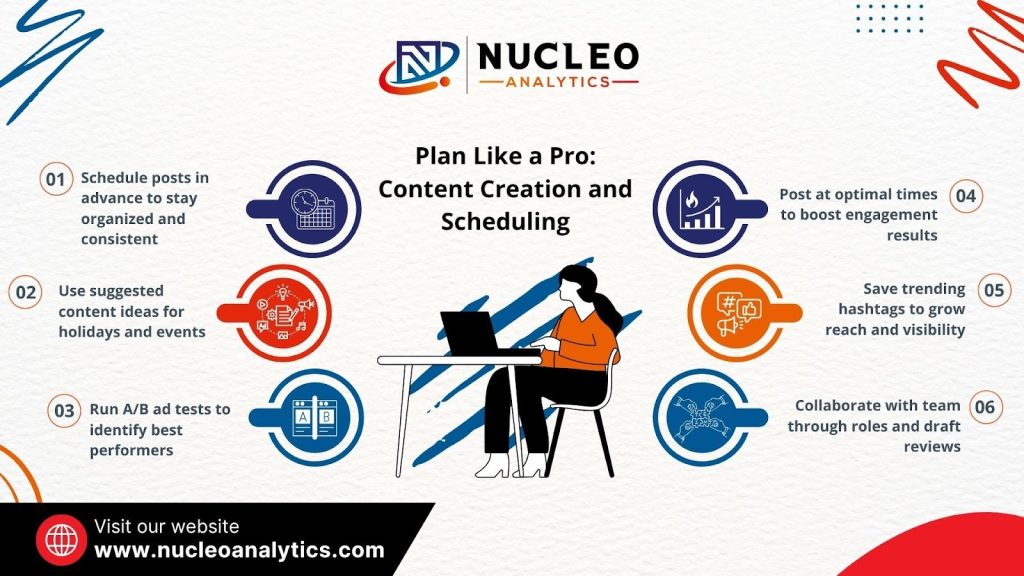
- Being able to compose and schedule posts, stories, reels, and ads from a tidy, intuitive planner.
- Precise statistics on reach, engagement, demographics, and ad performance so that you always know what’s working.
- And it’s all free and mobile, whether you’re going it alone or working in a team.
If you are looking to turbocharge your campaigns or connect your Google Ads for small businesses to Meta, Nucleo Analytics is here to assist you. Reach out at any time to learn more!